Design
Connect what is scattered,
and finish it as your design.
Raster and vector, retouching and masks on one canvas. Choose the layer to change and let AI handle it; you decide what connects.
Tangan · Hand
Today's workspace
- Tools
- Canvas
- Layers
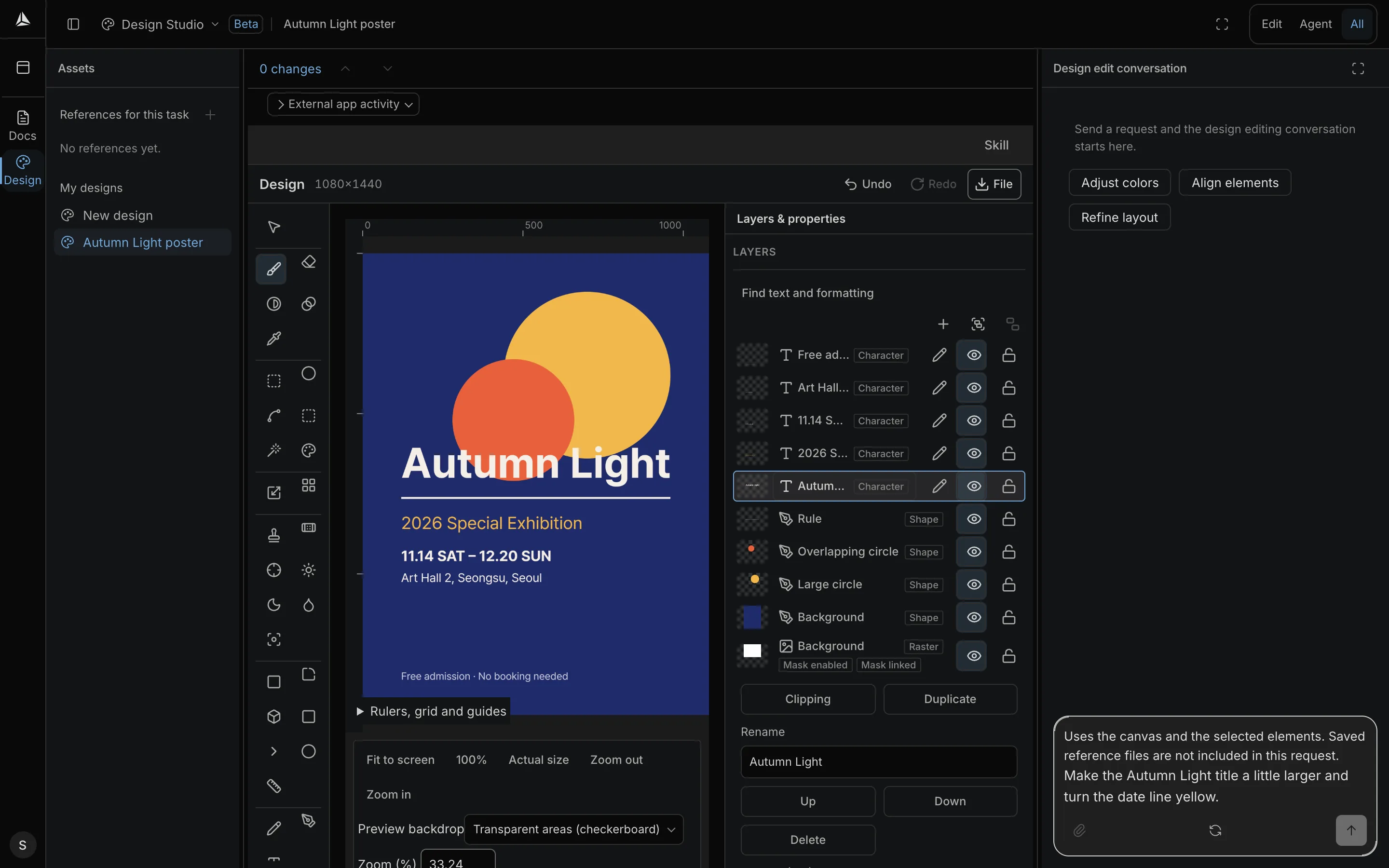
You point.
We fix it together.
Draw or import.
Draw on a blank canvas or import a PSD or SVG file.
Choose a layer to change, then ask.
Select a layer and describe the change; AI edits that layer.
Check it layer by layer.
Undo what AI changed by layer or by request, and refine it yourself.
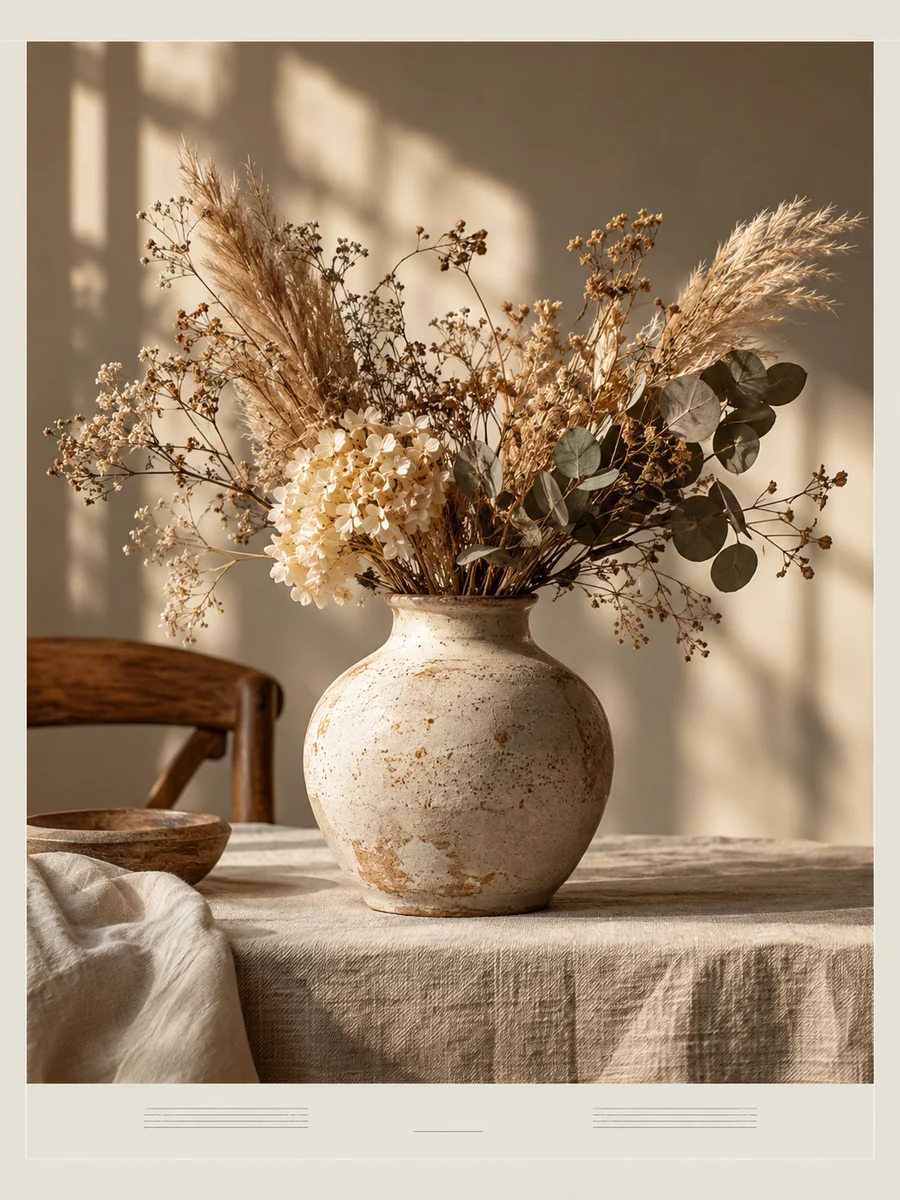
Make the Vase layer a little brighterSoften the Window light layer a little
After the AI work,
the layers stay yours.
- Direct Editing
- Refine it with brushes, the pen, shapes, adjustments and masks until it looks right.
- Continue your work
- Reopen a saved design with its layers and conversation.
- PSD·SVG·PNG·JPG
- Download the finished design in the format you need.
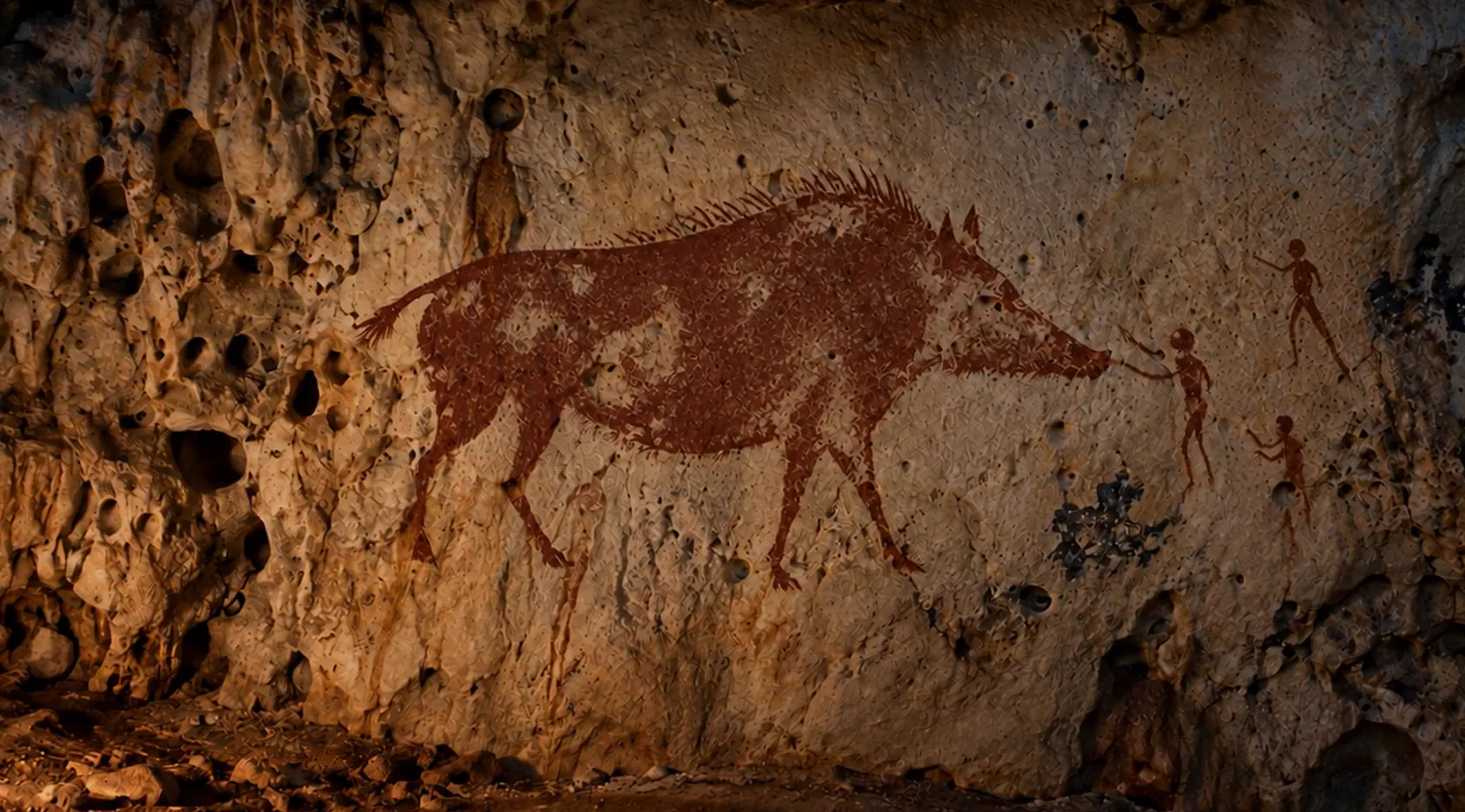
Two things fill the mind with ever new and increasing admiration and awe, the more often and steadily we reflect upon them: the starry heavens above me and the moral law within me.
Milky Way photo ESO/S. Brunier · CC BY 4.0 · cropped, with brightness and color adjusted