Markdown
When you edit the Markdown source,
the rendered view changes at once.
Edit a Markdown document in rendered, source, or split view. When you change the source, the rendered view and outline update at once.
Memo CC-244 · 1964
Today's workspace
- Overview
- Formatting editor
- Markdown source

One place to edit,
three ways to view.
Choose a view.
Pick rendered, source, or split view to read the document.
Edit the source.
When you edit the source, the rendered view and outline update together.
Check formulas and tables.
$ formula blocks and tables appear as they are in the rendered view.
## SubjectSubject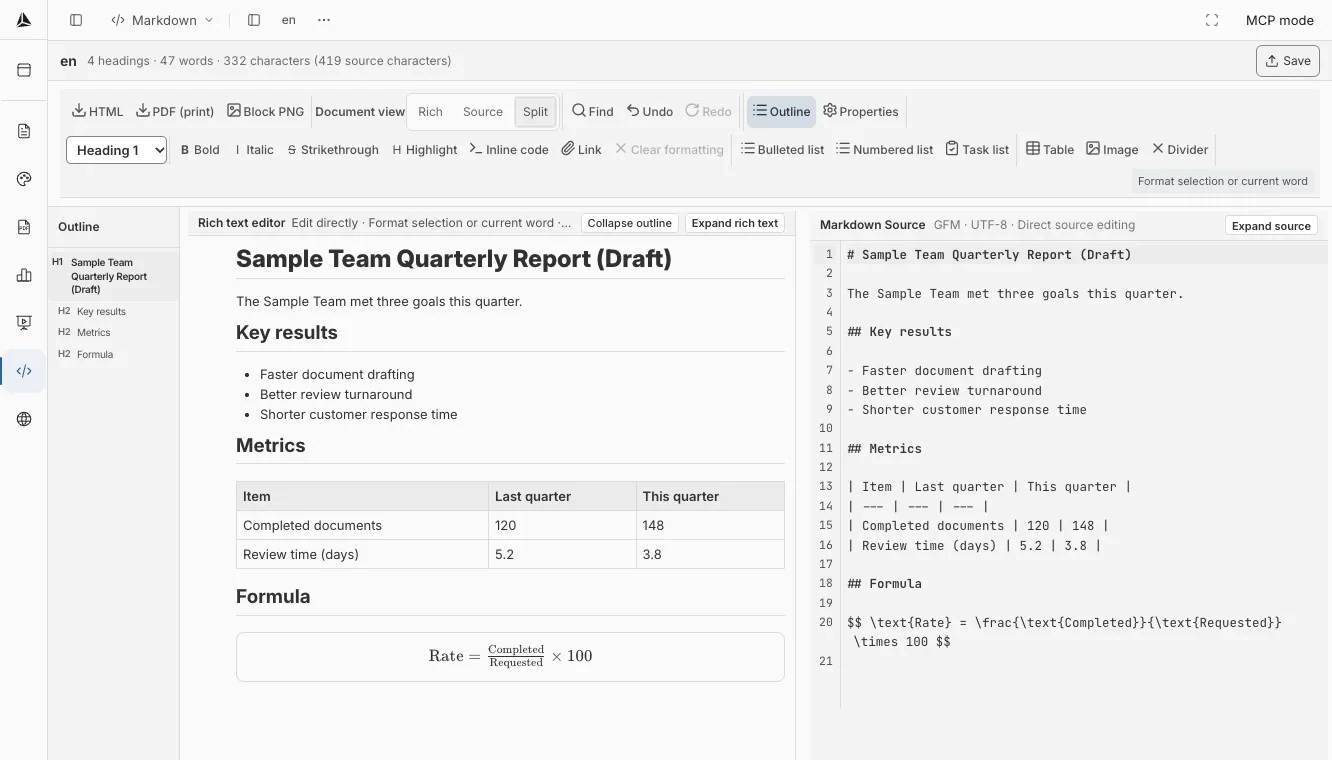
The source and rendered view
show the same content.
- View switch
- Move between rendered, source, and split views while you edit.
- Formulas and tables
- Formula blocks and tables render as they are in the rendered view.
- Overview
- When you edit the source, the outline updates too.
Control words must begin a new line, and begin with a period so that they may be distinguished from other text.
A control mark begins on a new line with a period, so it can be told apart from other text.
As that one period shaped the text that day, edit the source and the rendered view changes at once.
Get Started