Open it as pressed,
and seal it as your own.
Markup, form filling, inline text edits, digital signatures, and permanent redaction in one workspace. Review without breaking the page layout and share with confidence.
Jikji · 1377
Today's workspace
- Pages
- Document & tools
- Notes

Review with care.
Seal with certainty.
Open, highlight, and leave notes.
Open any document with its layout intact and mark passages to check using highlights, underlines, shapes, and review notes.
Fill out forms, sign, and lock down.
Complete interactive form fields, then apply digital signatures, open passwords, and permanent redaction for sensitive details.
Verify every change and send it intact.
Refine body text and page order—or review alongside AI—then save as a standard PDF.

Even after signing and redaction,
every page holds its form.
- Markup & text edits
- Add highlights and notes, and edit wording or images right in place.
- Forms & signatures
- Fill text fields and checkboxes, and finish with a verifiable digital signature.
- Passwords & redaction
- Lock viewing or editing permissions and strip sensitive text along with underlying layers.
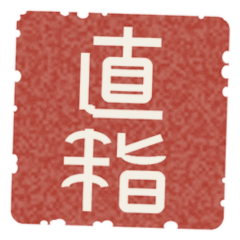
宣光七年丁巳七月 日 淸州牧外興德寺鑄字印施
True to the impression, wherever it opens
Like a page pressed from bronze movable type at Heungdeoksa in 1377, today’s documents travel intact to the next reader.
Get Started