Slide

Stack your slides,
then present right away.

Add slides and type into text boxes to build your presentation. Press Present and it starts at once.

Florence · 1401

Today's workspace

  • Slide list
  • Editing tools
  • Speaker notes
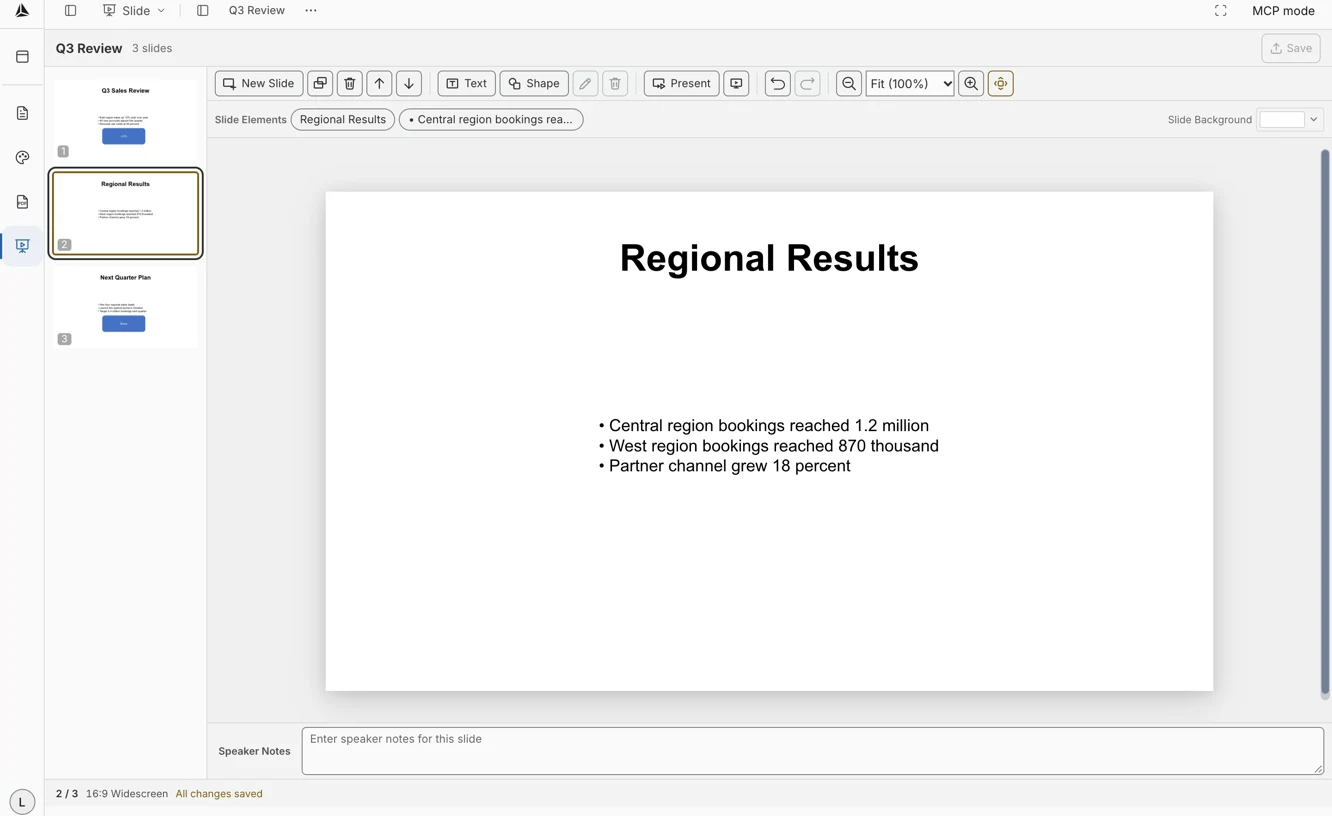
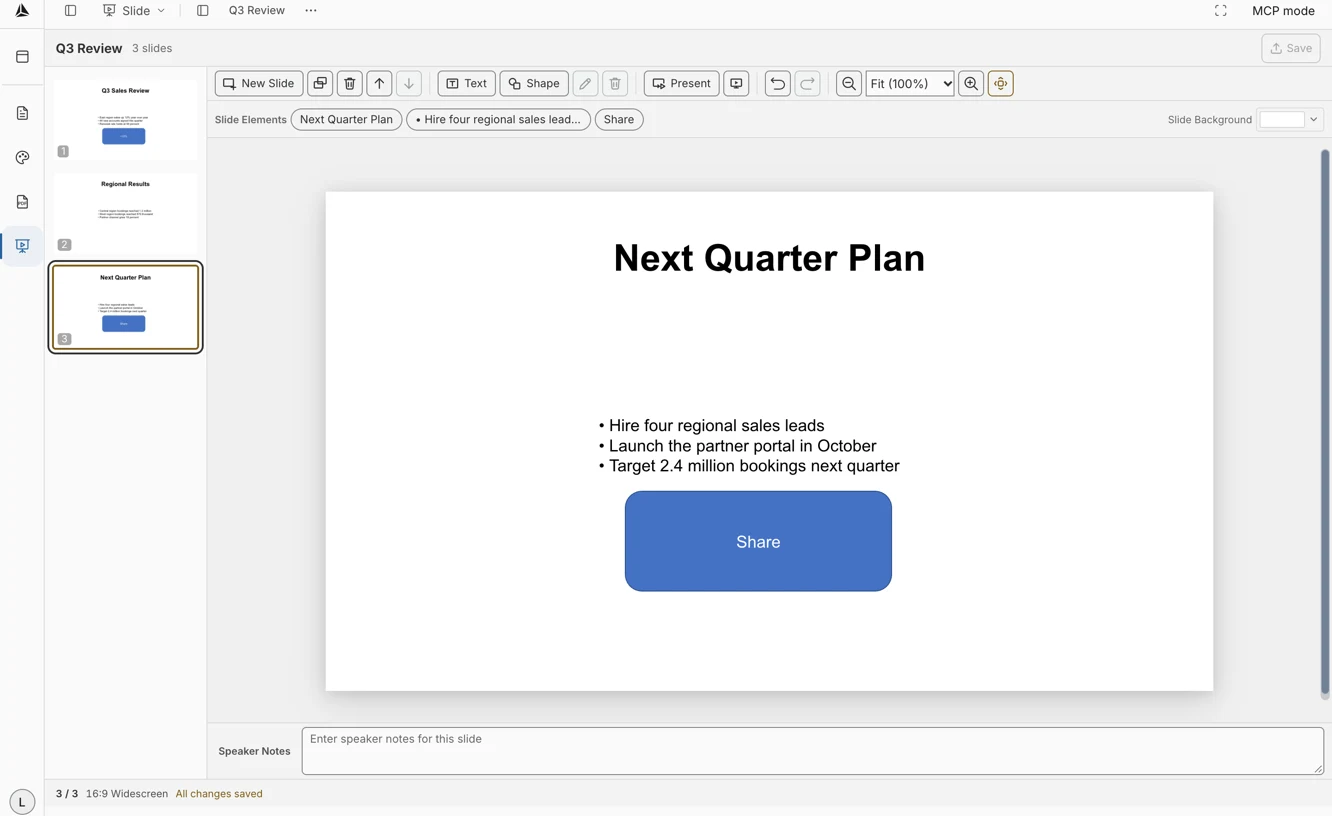
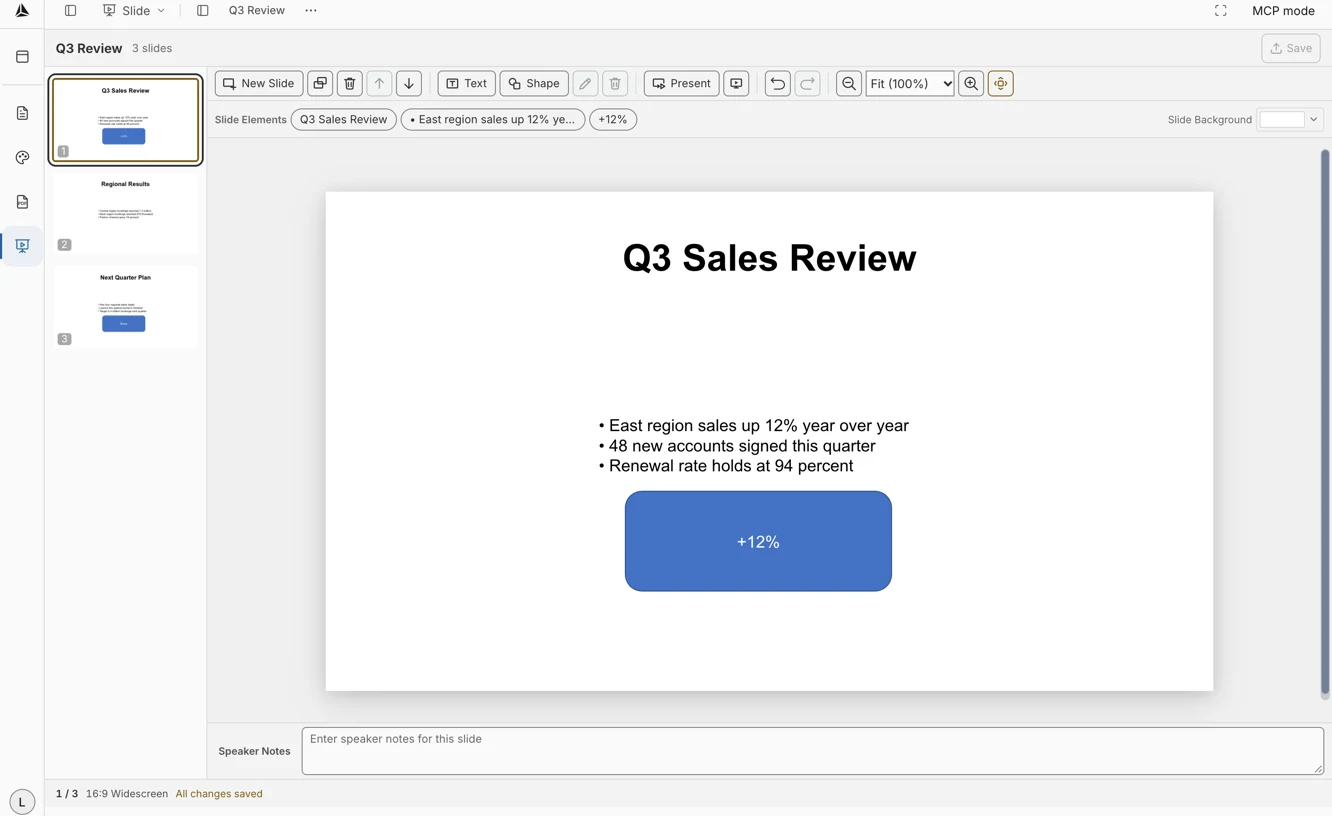
Actual Slide editing screen showing the slide list, editing tools, and speaker notes

Stack, write,
then present at once.

  1. Add a slide.

    Add a new slide and pick the one you want to edit.

  2. Type into a text box.

    Add a text box and type; the slide fills in with your content.

  3. Start the presentation.

    Press Present and the presentation starts.
  1. A slide cover frame with a title and subtitle.
    Cover
  2. A summary slide frame listing three goals.
    Summary
  3. A screen editing two slides side by side.
    Editing screen
Editing screen with text being typed into a text box on the slide chosen in the slide list
Type into a text box and the slide fills in right away

Your slides,
and present as is.

Slides
Add slides and edit them on the editing screen.
Text boxes
Add a text box and type; the content fills in right away.
Present
Press Present and the presentation starts.

…di trovare cose non vedute… e fermarle con la mano, dando a dimostrare quello che non è, sia.

— Cennino Cennini / Il libro dell'arte, c. 1400

Find what was unseen and hold it in the hand, and show what is not as if it were.

As the workshop first showed what did not yet exist six hundred years ago, stack your slides and present right away.

Get Started